Your sketch
is the prompt.
Drawoid is an AI drawing studio. Draw with real brushes on an infinite canvas — then let the world's best AI models finish your lines as polished images, living video, or interactive 3D.
One tap runs Seedream 5, Nano Banana, GPT Image 2, Veo 3.1, Kling v3, Rodin & more — side by side.
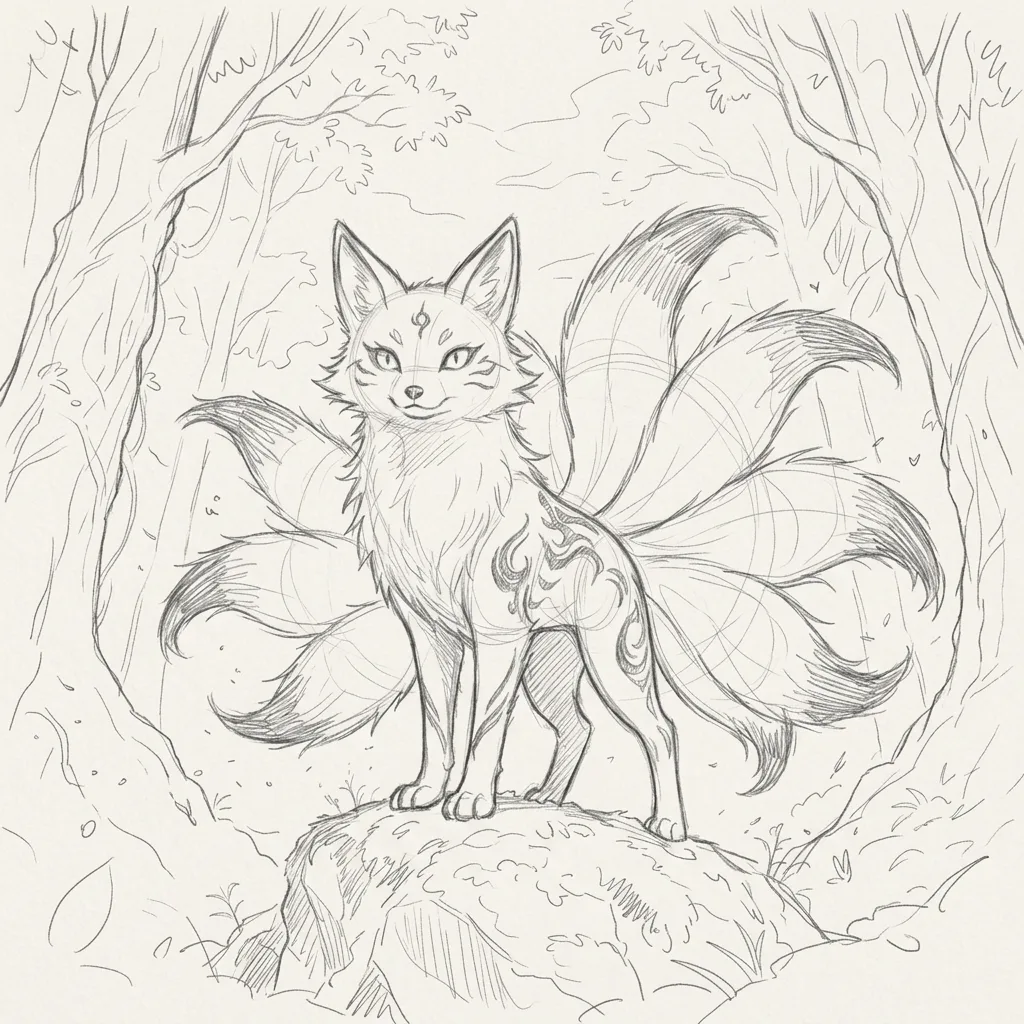
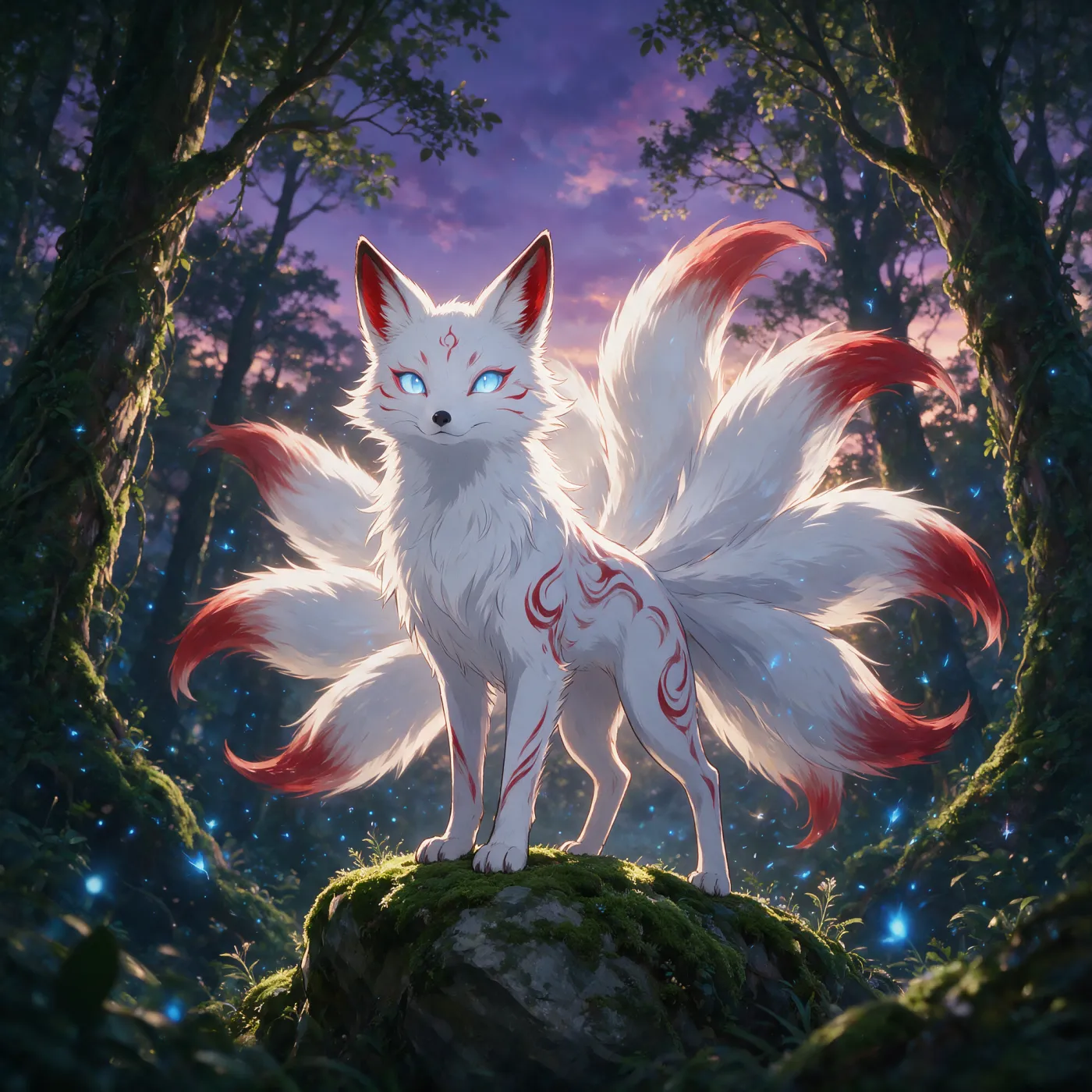 Your sketch
Drawoid AI
Your sketch
Drawoid AI
01 · Draw
A real studio first.
AI second.
Drawoid isn't a prompt box with a canvas bolted on. It's a full drawing app built for Apple Pencil — and the AI works from what you actually draw.
An infinite canvas that thinks in frames
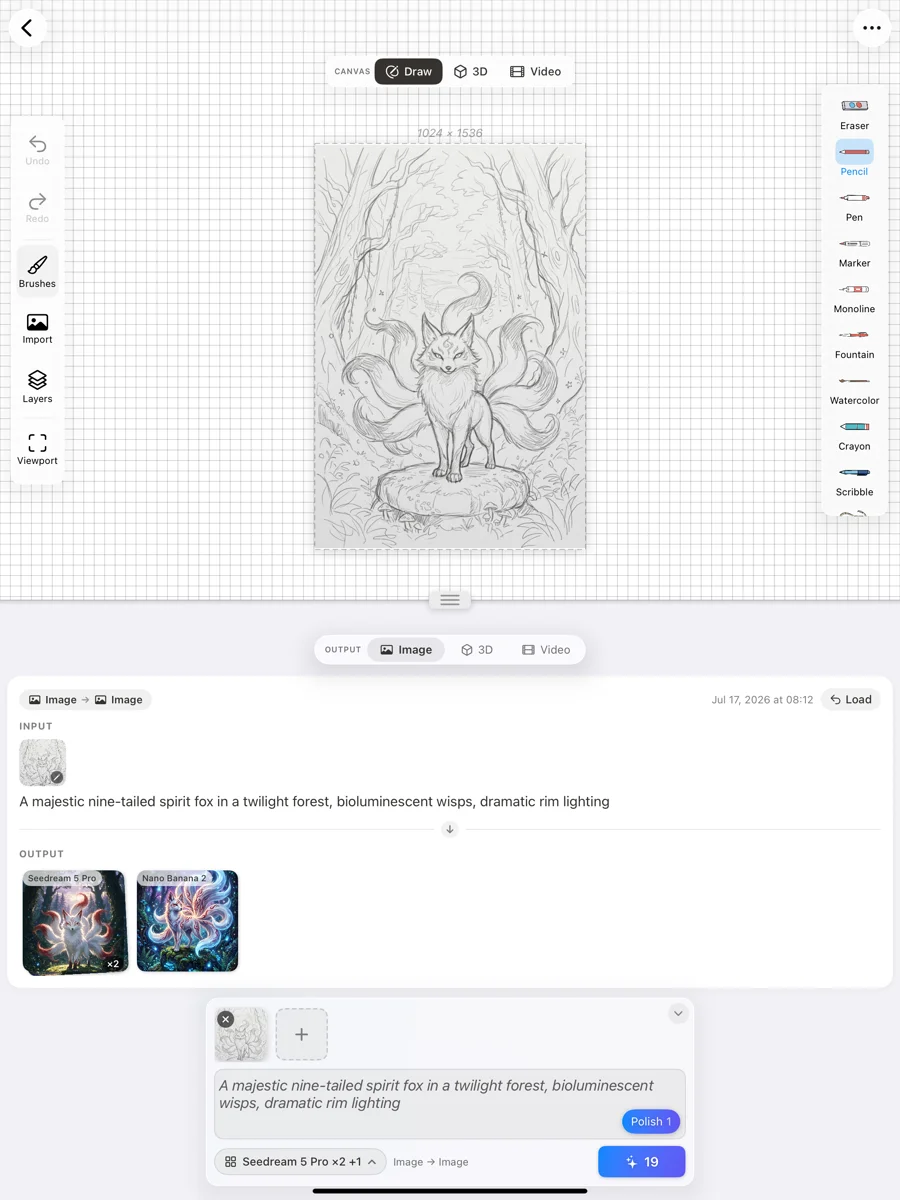
Sketch anywhere on a boundless surface with pressure-sensitive pencil, ink, and watercolor brushes — organized in layers, just like the tools you know.
- Pencil, ink & watercolor brushes with Apple Pencil pressure
- Layers, imports, and full undo history
- A movable generation viewport — frame any region of the canvas, and that's exactly what the AI sees
- Pan and zoom forever; your ideas never hit an edge
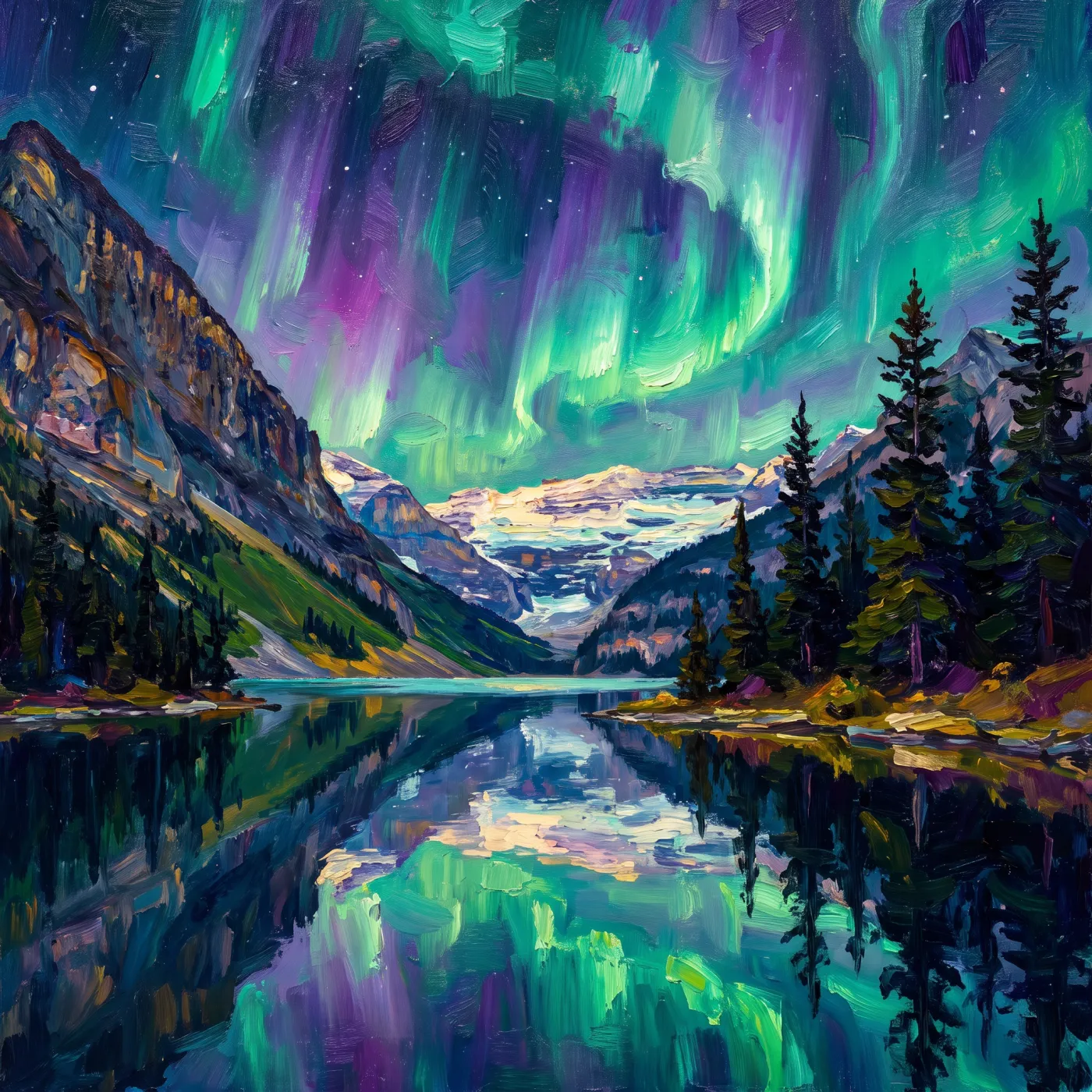 Painted in Drawoid
02 · Generate
One sketch. Every top model. One tap.
Why settle for one AI's take? Drawoid runs several frontier image models side by side on the same sketch — compare the results and keep the ones you love.
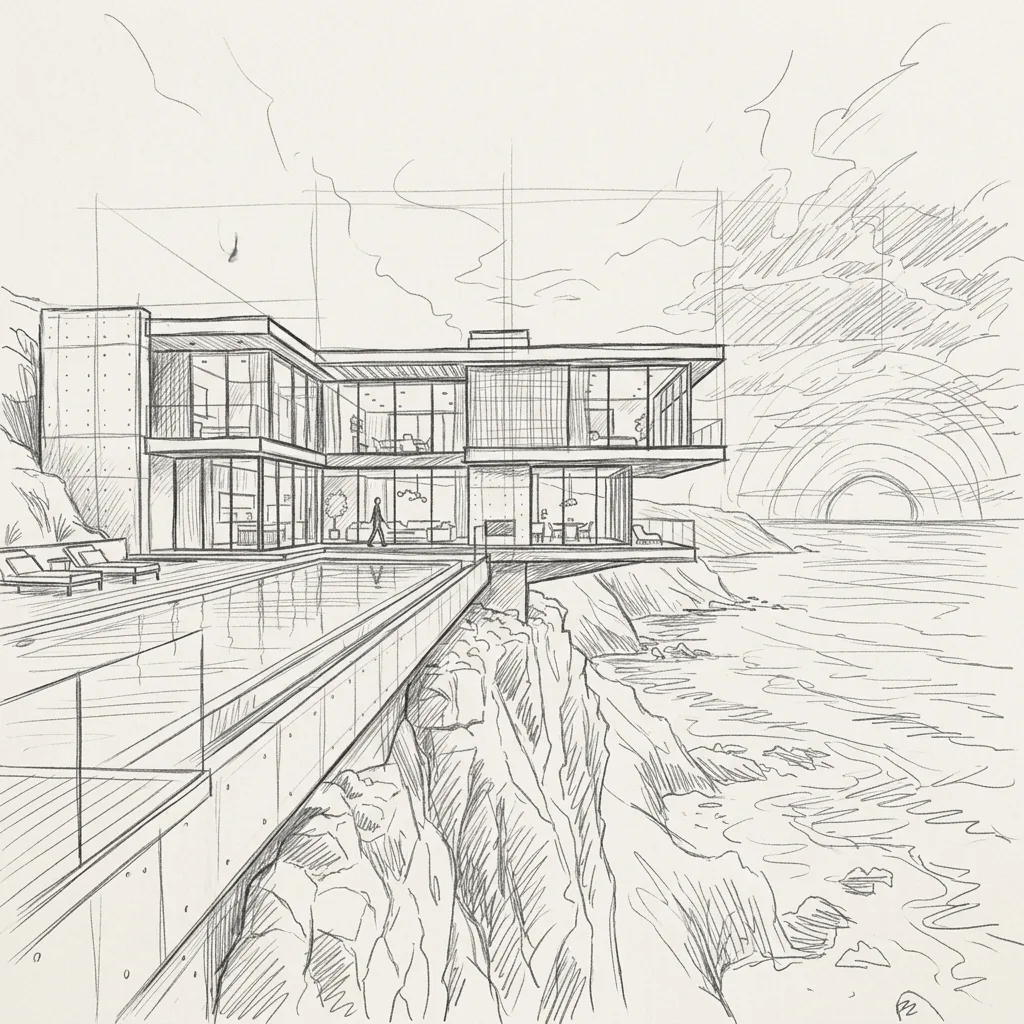

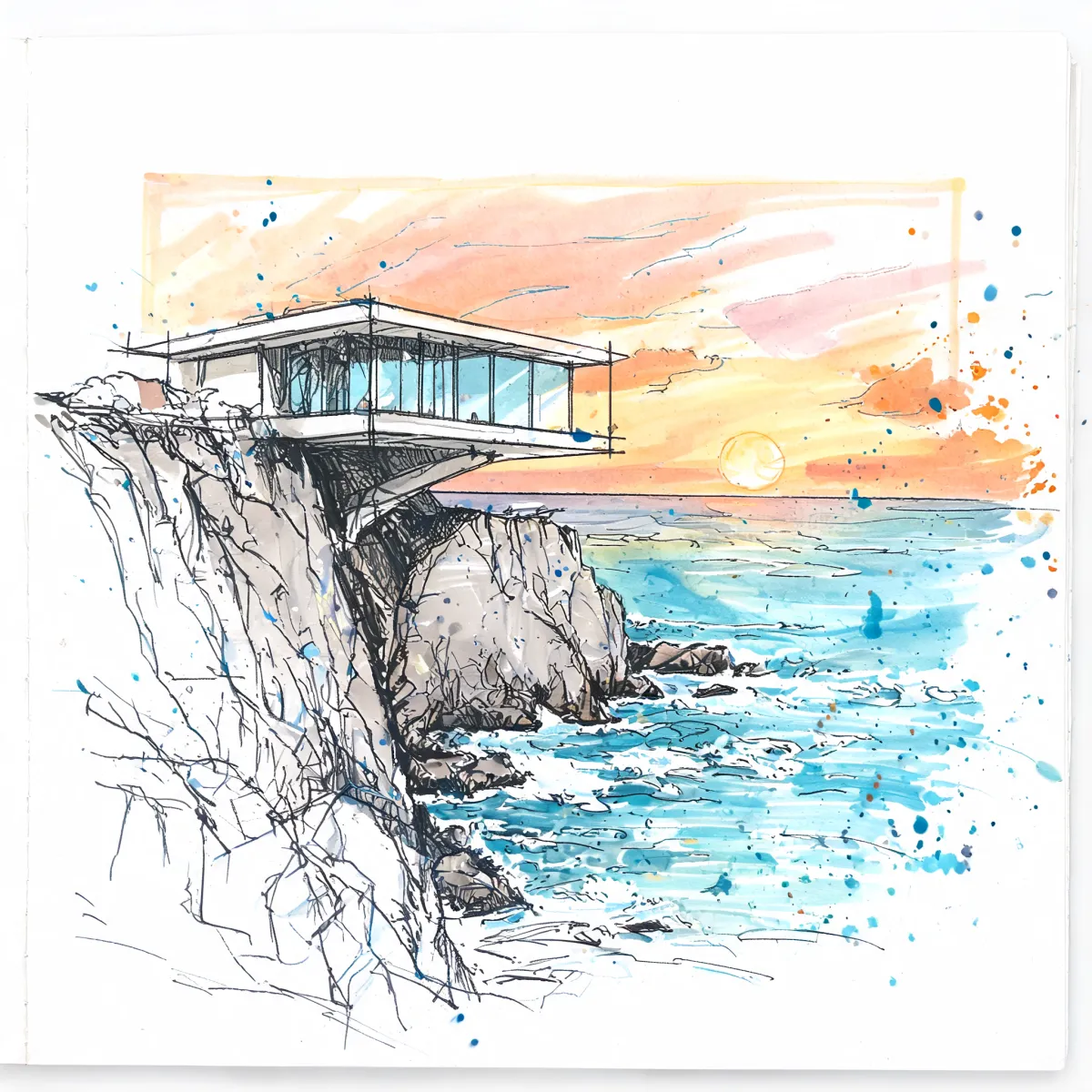
- Seedream 5 Pro ByteDance
- Seedream 5 Lite ByteDance
- Nano Banana 2 Google
- Nano Banana Pro Google
- GPT Image 2 OpenAI
03 · Animate
Sketch to video.
Then draw on the frames.
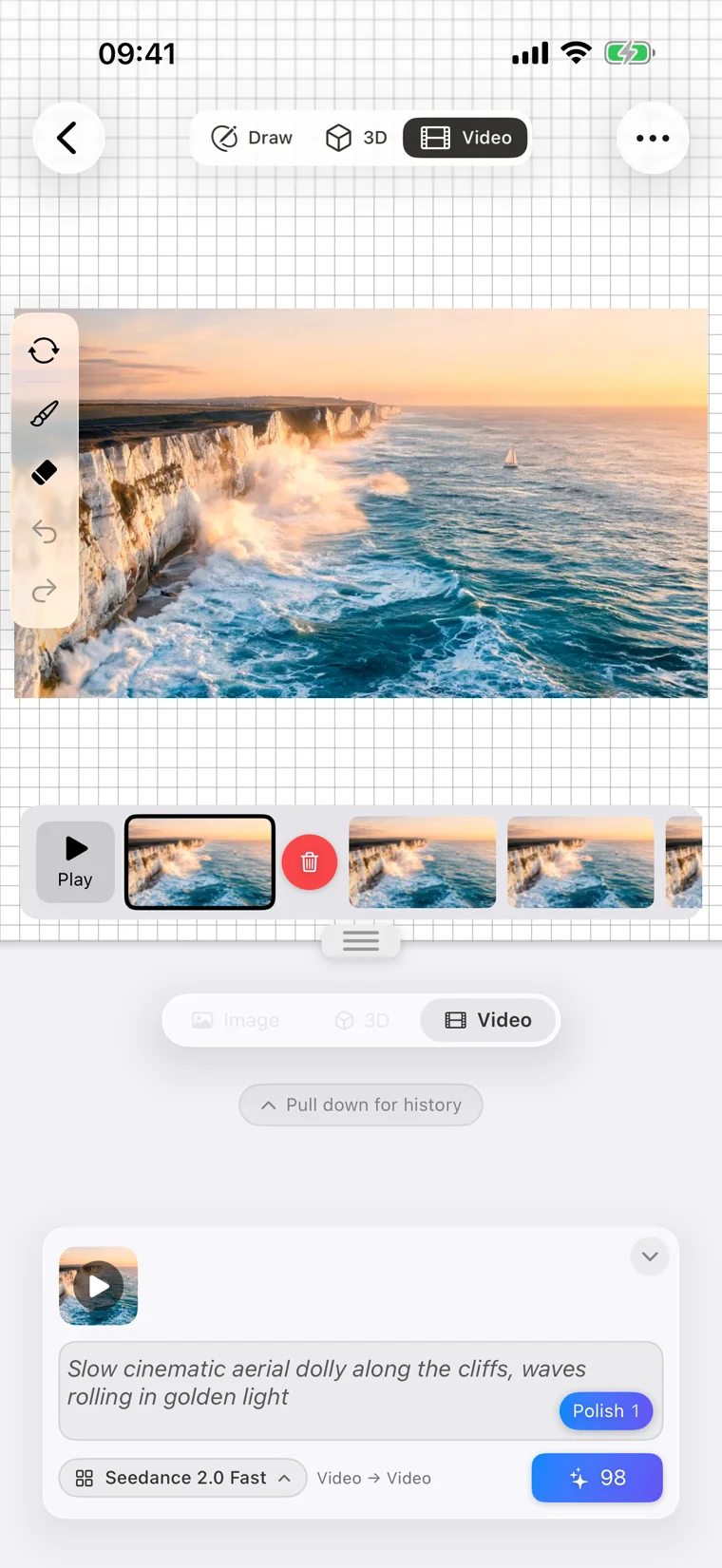
Send any drawing or render to a video model and watch it come alive as a short clip. Then go further: Drawoid's frame editor lets you draw directly on individual frames of the video — a hand-touched finish no prompt can give you.
- Seedance 2.0 ByteDance
- Veo 3.1 Google
- Kling v3 Kuaishou
04 · Sculpt
Off the page.
Into 3D.
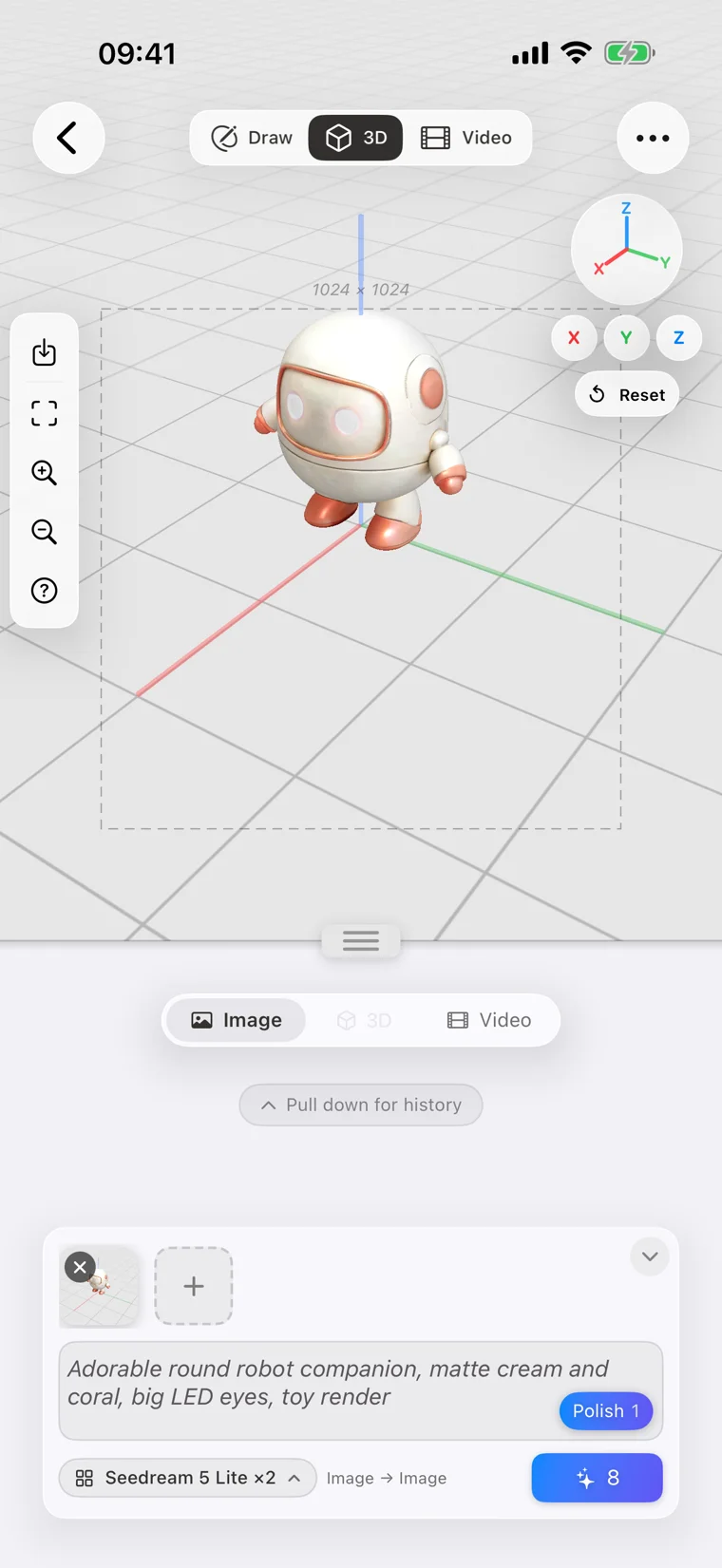
Turn a sketch into a genuine 3D model with Rodin Gen-2 or Hunyuan 3D — then place it in Drawoid's interactive 3D scene editor. Orbit, arrange, and light your creations like a tiny film set.
- Sketch or image → textured 3D model
- A real 3D scene editor: orbit, position, compose
- Render your staged scene back into new generations
- Rodin Gen-2 Deemos
- Hunyuan 3D Tencent
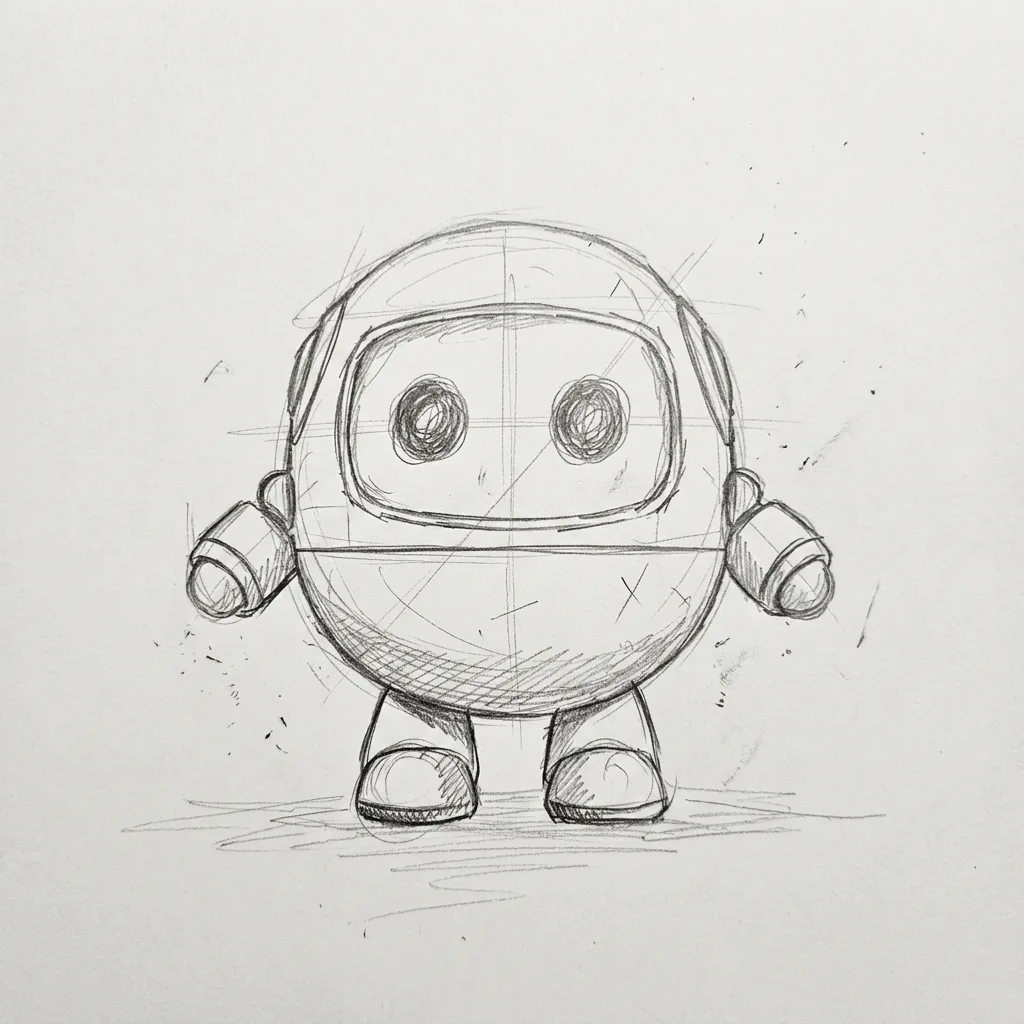
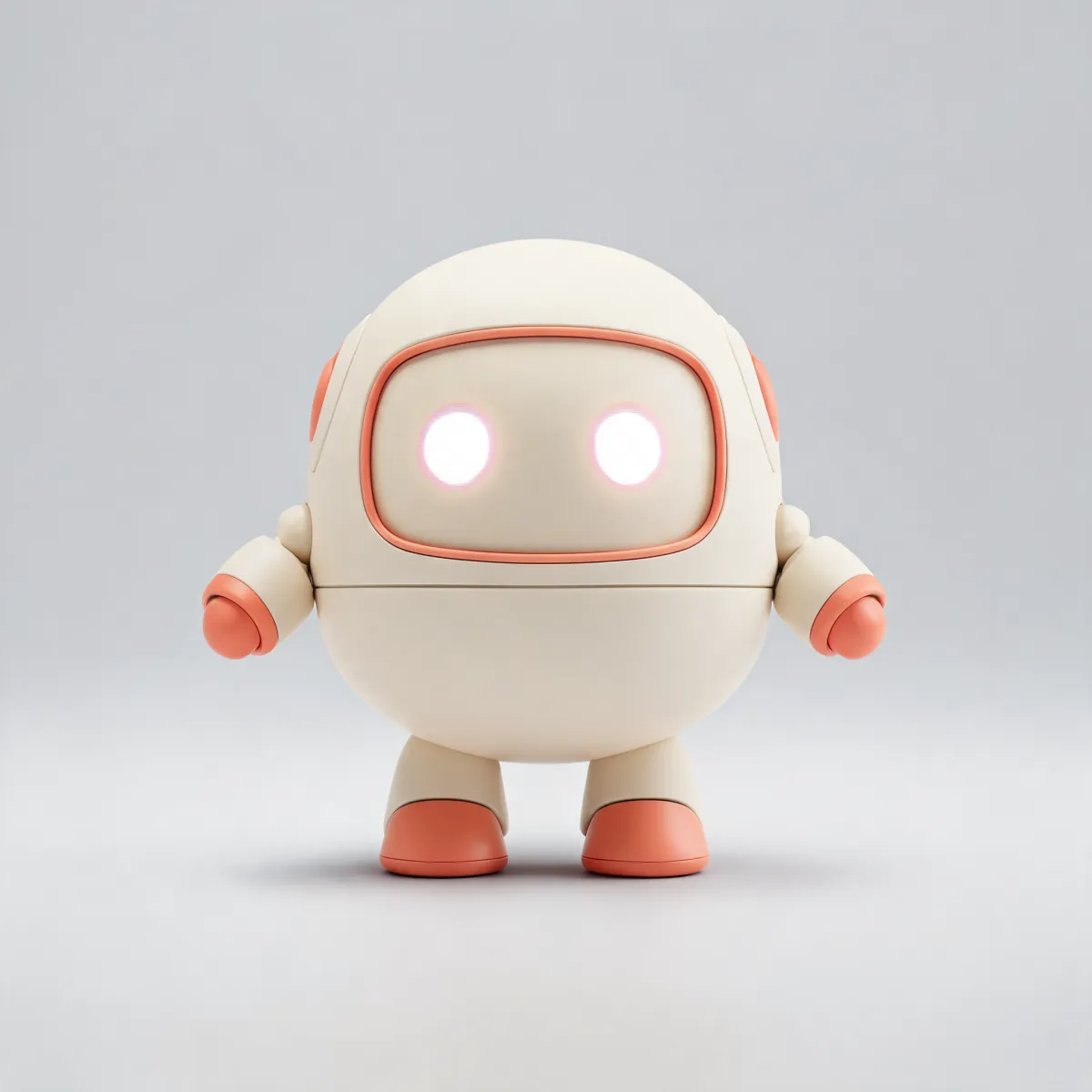
05 · Keep everything
Your work, always at hand.
Every generation is part of your project's story — nothing disappears into a chat log.
Generation history per project
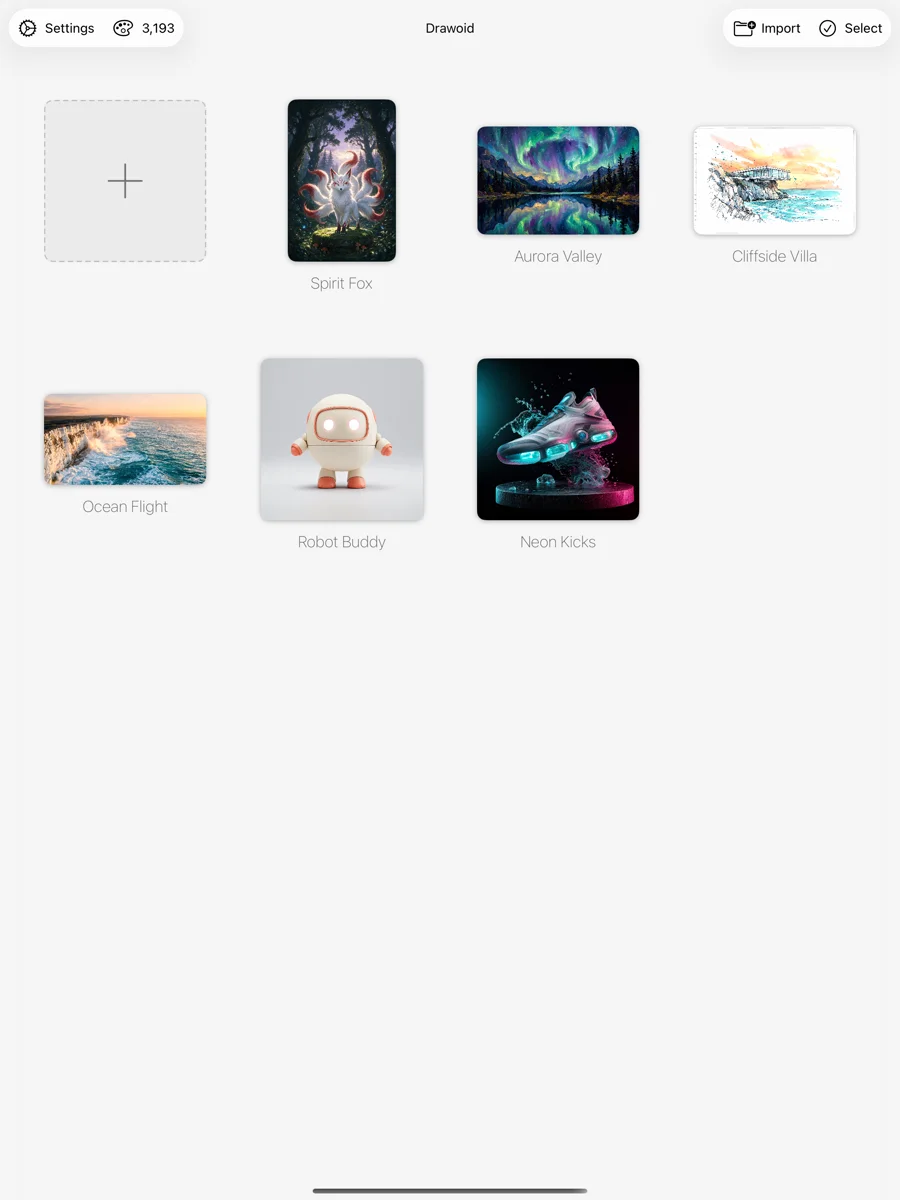
Every render, clip, and model you generate stays with its project. Revisit, compare, and branch from any earlier result.
A global asset library
One place for everything you've ever generated — images, videos, and 3D models — ready to drop into any new canvas.
Start before you sign up
Guest mode opens the full drawing, video, and 3D editors with no account. Sign in only when you're ready to generate — your work comes with you, losslessly.
In the app
Drawoid on your desk.
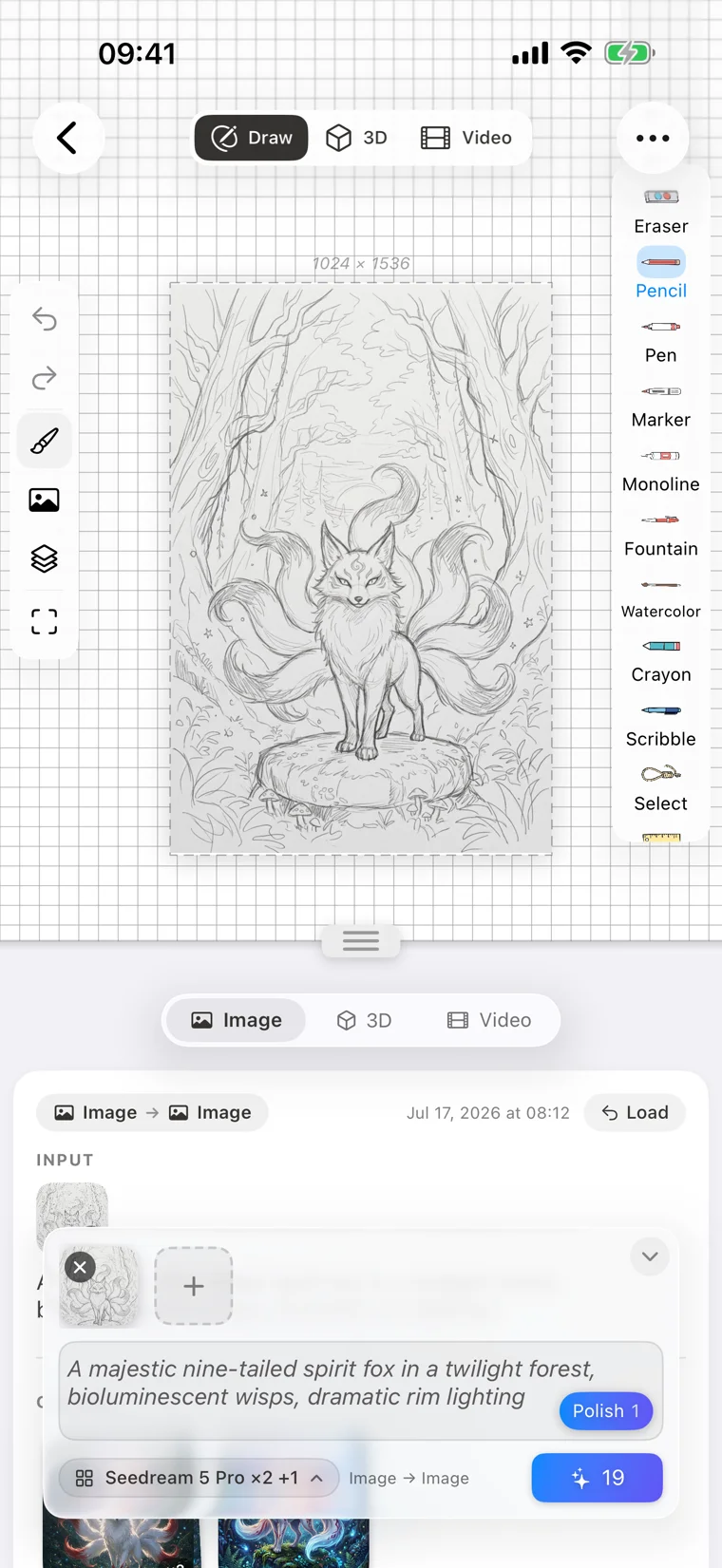
A glimpse of the studio on iPhone and iPad.
Pricing
Simple, honest, pay-for-what-you-make.
Drawing is free forever. Generations run on paint coins — creative fuel you top up only when you need it.
Free to start
No account required
- Full drawing studio: brushes, layers, infinite canvas
- Video frame editor and 3D scene editor included
- Everything stays private on your device
- Sign in only when you want to generate
Paint coins
Pay as you go
- Buy a coin pack, spend coins per generation
- Bigger models cost more coins, lighter ones less — always shown before you tap Create
- No subscription needed
- Purchased securely through the App Store
Subscriptions
For regular creators
- Weekly, monthly, or yearly plans
- The best value if you generate often
- Managed and billed through your App Store account
- Cancel anytime in your Apple subscription settings
All purchases are handled by Apple In-App Purchase — current coin pack and subscription prices are always shown in the app for your region.